Immersion meets intelligence

Amplify your visual experience with our hardware products and beyond. 

Get more out of your interface using our Visual Engine. Whether in Brelyon displays or your 2D monitor, the Brelyon software stack is here to help you amplify your screen experience.

Visual Engine

Brelyon Visual Engine is a proprietary hardware and software architecture that brings your existing interface portal into the age of AI. Powered by NVIDIA NIM and Brelyon shaders, the Visual Engine platform analyzes only your on‑screen activity to learn your unique behavior profile across different applications, then generates personalized content, recommendations, and automations—delivered exactly when and where you need them.

From security and network operations centers to enterprise GUIs and mission‑critical simulation‑training systems, Visual Engine helps you reduce handling time and errors, surface critical anomalies faster, and adapt complex UIs to each operator’s behavior so teams get more done with less fatigue.

The platform creates a knowledge base from how the portal is used, turning monitors into a valuable resource for automation.


Visual Engine is completely software agnostic and runs entirely visually so it can run with old interfaces or new unpredictable environments.

From Image to Data in Real Time, Bringing Intelligence to Every Frame

Extract visual metadata in real time and communicate image insights to give context-aware assistance in real time. Built to have minimal computational tax on your computer. The Visual Engine runs on a totally separate processor to leave your machine performance intact while augmenting your interface at the right time at the right spot.

From Data to Automation: Let Automation Happen Automatically

A comprehensive platform to learn and automate using vision models. Never miss the chance for automation. Leverage our Visual Engine to analyze and automate your interface like never before.

Endless Opportunity to Improve User Workflow

Visual Engine has applications in workforce training, task optimization, management or oversight, and perceptual computing systems, where automation emerges dynamically from observed workflows rather than hard-wired ones. This assistance is essential because many GUI-based operations involve repetitive tasks. These repetitive patterns may not be visible to the user or seem exactly identical to the operator, but the algorithm in Visual Engine can identify and automate them.

Visual Engine

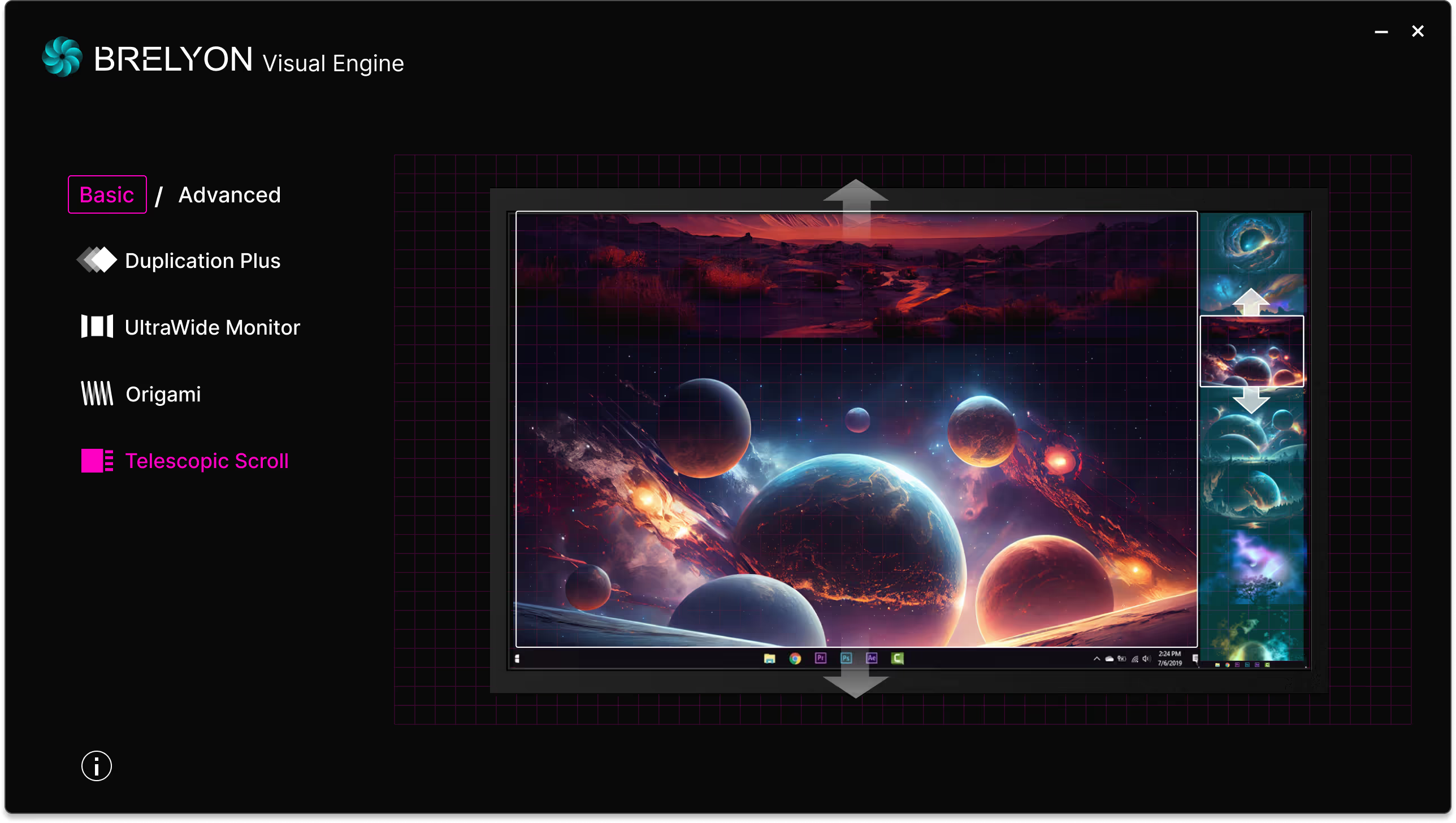
Visual Engine is a proprietary interface and image compilation architecture to generate derivative content based on the input stream to the display. It inputs the HDMI stream or DisplayPort stream and outputs new generated content strategically compiled based on the desired function. The function can be changed based on the application. At the macroscale, the process is composed of three stages: visual metadata extraction and image understanding, then following a compilation strategy based on desired function, and finally compiling a new image.

Visual Engine is completely software agnostic and runs entirely visually so it can run with old interfaces or new unpredictable environments, bringing the latest of LLM capabilities into your applications.

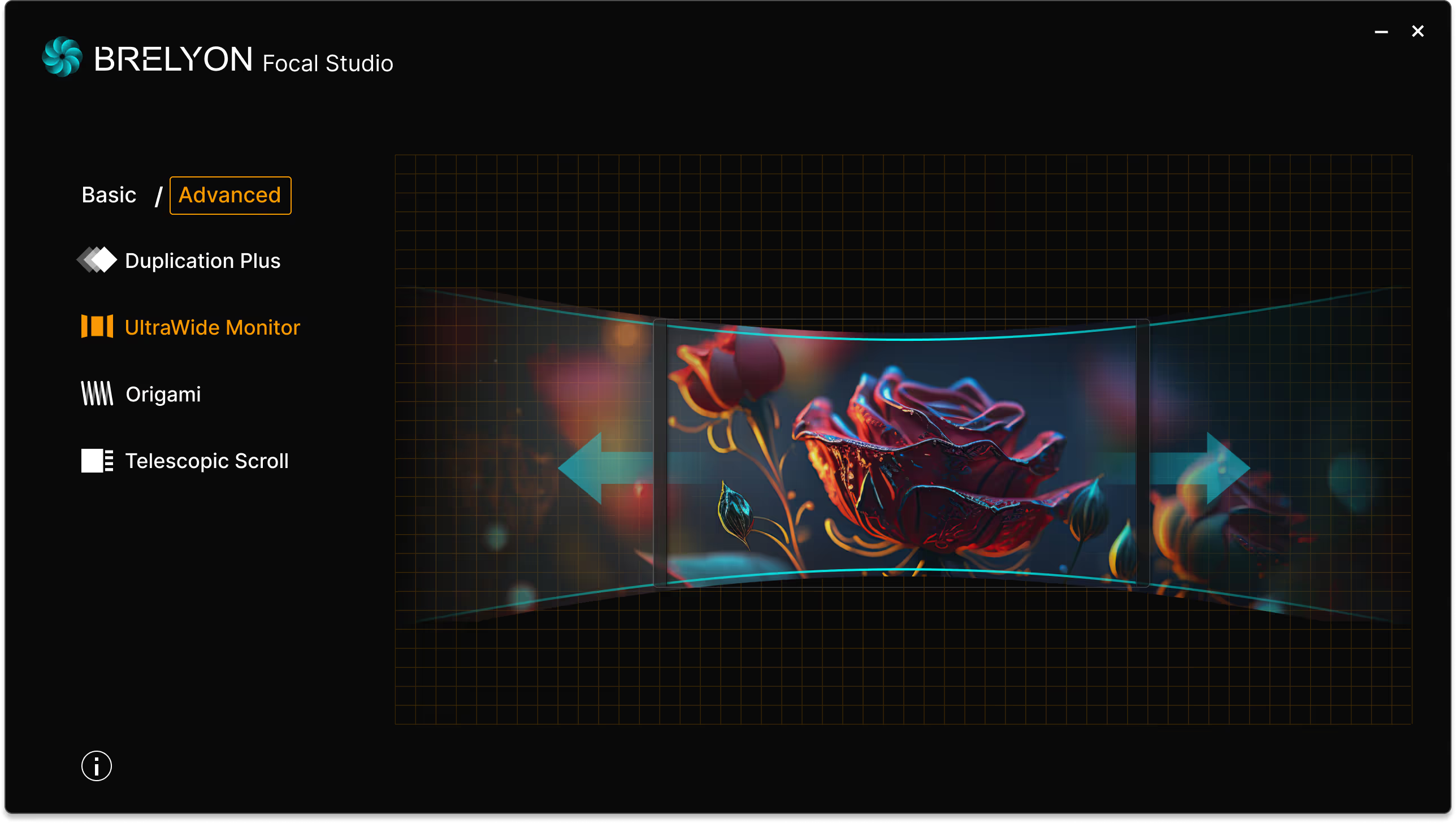
Focal studio architecture allows conversion of 2D videos to multi-focal experiences on Ultra Reality Extend or other Brelyon multi-focal platforms.  

Focal Studio

Focal Studio facilitates the creation and display of multi-focal content, enabling developers and content creators to design immersive experiences with multiple focal points.

Download Beta

Brelyon Suite

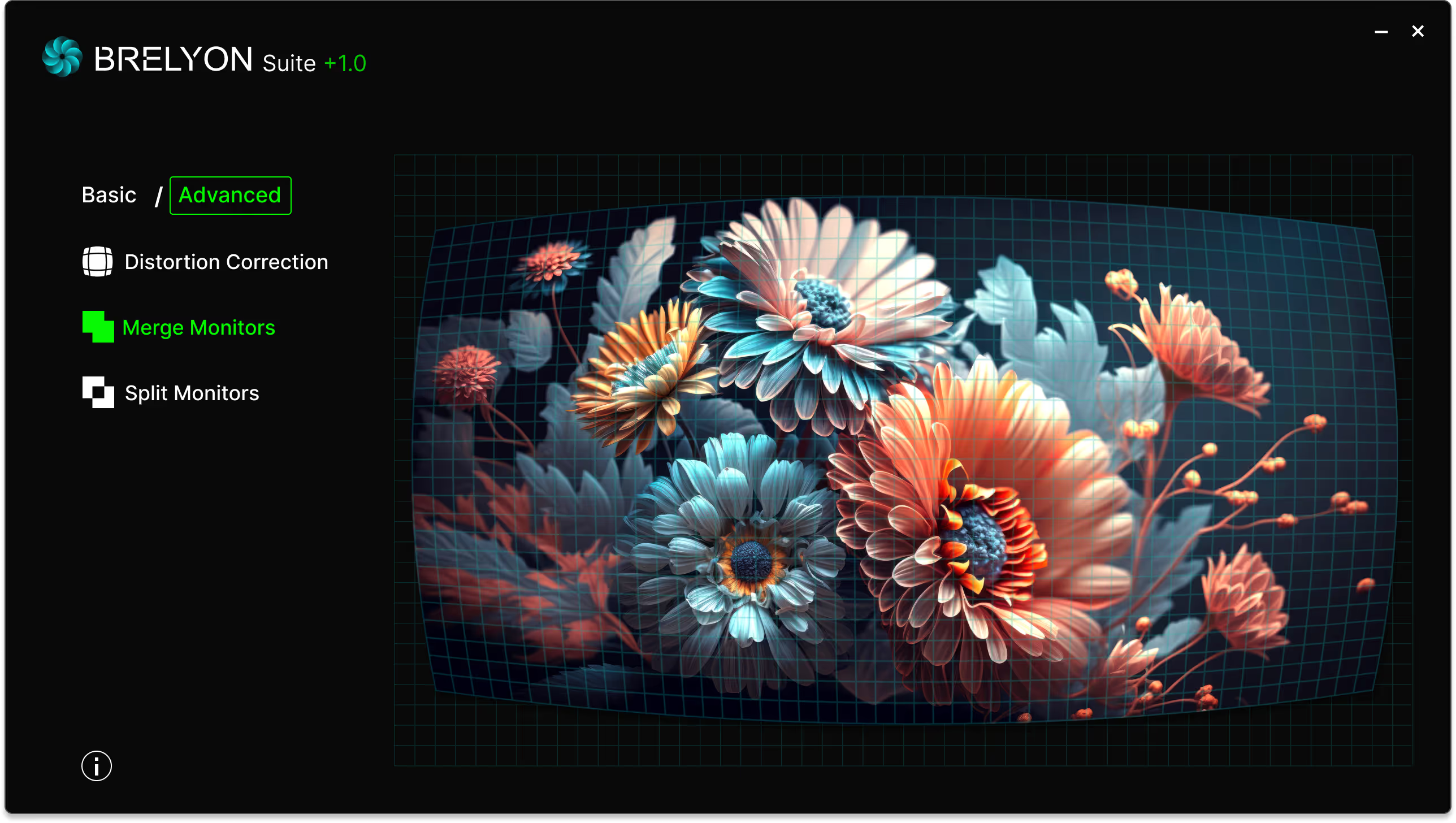
Brelyon Suite enables image distortion correction, monitor merging, and monitor splitting. It offers the user unique desktop experiences by geometrically transforming the screen in new ways. Our solution is compatible with NVIDIA, AMD and Intel GPUs.

The distortion correction, merge monitors and split monitors applications are part of the basic features of Brelyon Suite. The distortion correction software allows the user to manually warp the screen by adding or removing distortions, changing intensity maps or by performing simple scaling operations. The merge application allows the user to either horizontally or vertically merge multiple displays. The split application allows the user to either horizontally or vertically split one display in up to four separate ones.

Download

Brelyon Suite enables real time geometrical corrections, luminosity corrections, splitting, merging, and overall flow management with Brelyon Ultra Reality and Ultra Reality mini. 

Thank you! Your submission has been received!
Oops! Something went wrong while submitting the form.